
Devices
Supported Devices
Assistant Core product devices, specifications, and compatible firmware.
This page lists the Assistant Core product devices supported for end users. Product devices and firmware are separated clearly: 4 devices use 3 firmware targets, and Assistant Core Cube 1.54" V1 and V2 share xingzhi-cube-1.54tft-wifi firmware.
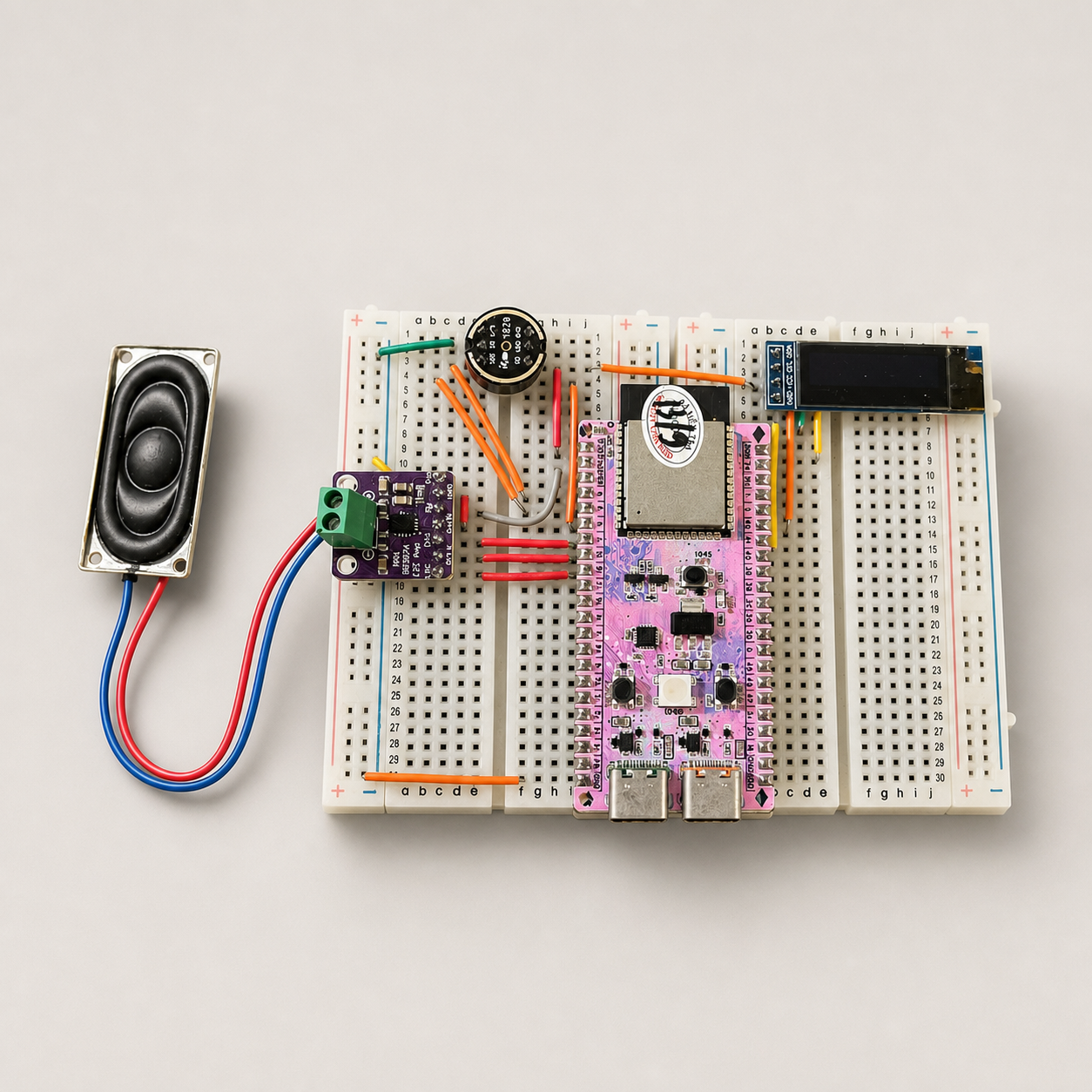
Bread Compact WiFi
Firmware: bread-compact-wifi
Key specs
ChipESP32-S3 (N16R8)
Flash16MB
PSRAM8MB (Octal)
ConnectivityWiFi 2.4GHz
Wake Word“Hi, Lily”
MicrophoneI2S MEMS
SpeakerI2S DAC
DisplayOLED SSD1306 128x32
Flash firmware
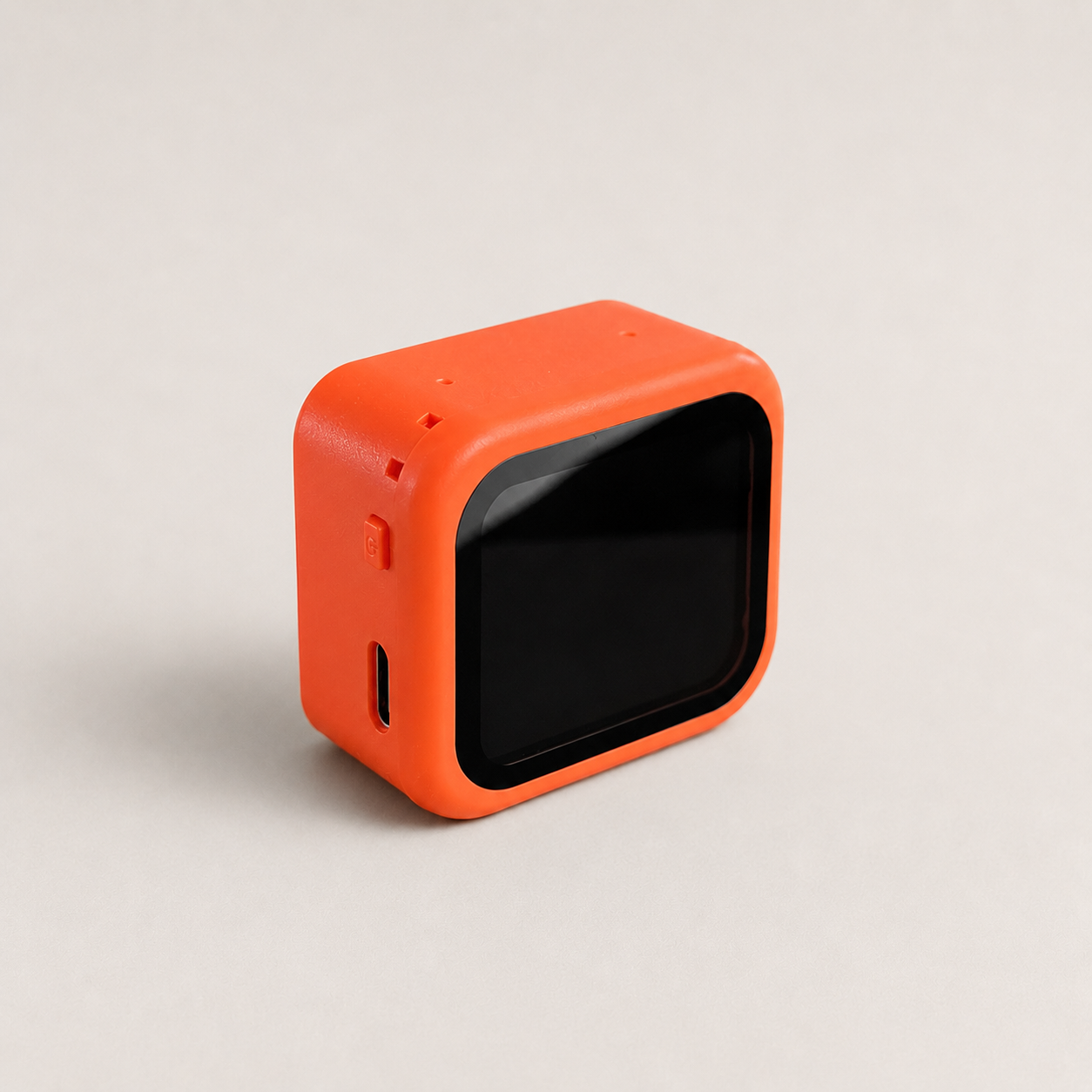
Assistant Core 1.83" 2-Mic
Firmware: assistantcore-1.83-2mic
Key specs
ChipESP32-S3 (N16R8)
Flash16MB
PSRAM8MB (Octal)
ConnectivityWiFi 2.4GHz
Wake Word“Hi, Lily”
Microphone2x ES7210 MEMS
SpeakerES8311 DAC + NS4150 Amp
DisplayNV3030B LCD 1.83" 284x240
Flash firmware
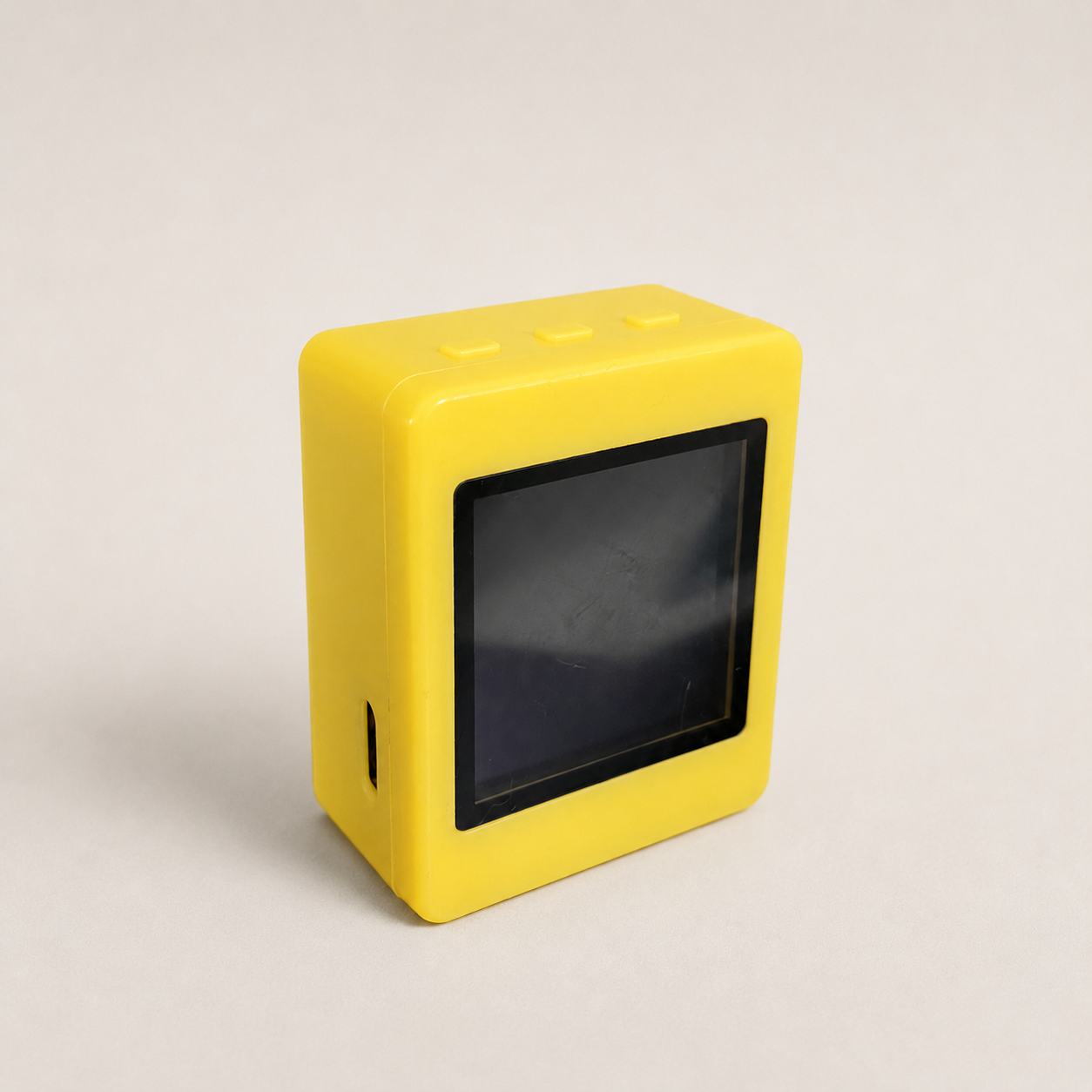
Assistant Core Cube 1.54" V1
Firmware: xingzhi-cube-1.54tft-wifi
Key specs
ChipESP32-S3 (N16R8)
Flash16MB
PSRAM8MB (Octal)
ConnectivityWiFi 2.4GHz
Wake Word“Hi, Lily”
MicrophoneI2S MEMS
SpeakerI2S DAC
DisplayST7789 TFT 1.54" 240x240
Flash firmware
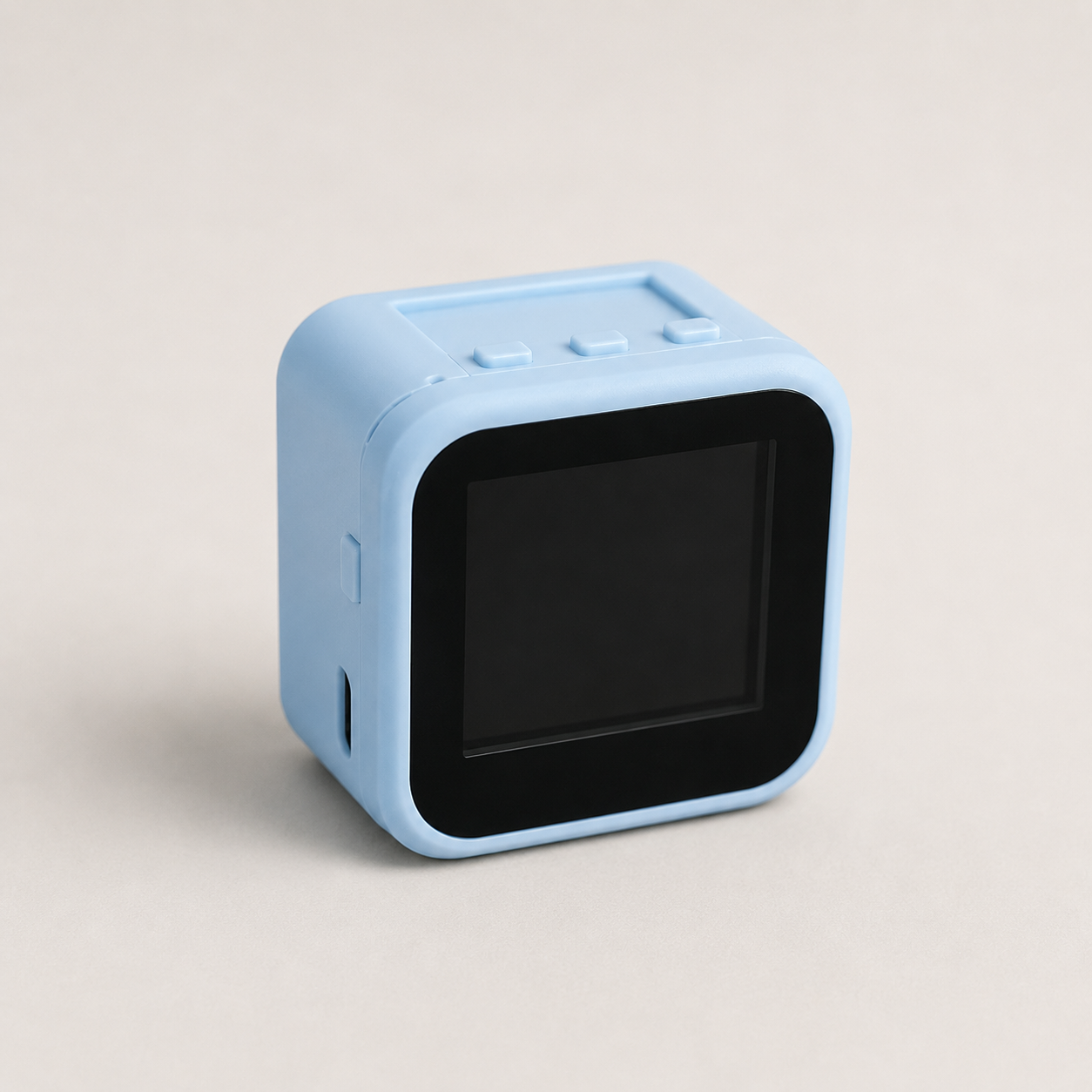
Assistant Core Cube 1.54" V2
Firmware: xingzhi-cube-1.54tft-wifi
Key specs
ChipESP32-S3 (N16R8)
Flash16MB
PSRAM8MB (Octal)
ConnectivityWiFi 2.4GHz
Wake Word“Hi, Lily”
MicrophoneI2S MEMS
SpeakerI2S DAC
DisplayST7789 TFT 1.54" 240x240
Flash firmware
Connection Guide
- Connect the board to your computer via USB-C cable
- Make sure you have the CP210x or CH340 driver installed
- Press the Boot button on the board while flashing (if needed)
After Flashing
- The board restarts automatically
- The display shows a 6-digit activation code (for boards with displays)
- Connect to WiFi via BluFi or network configuration
- Register the device on the Admin Panel